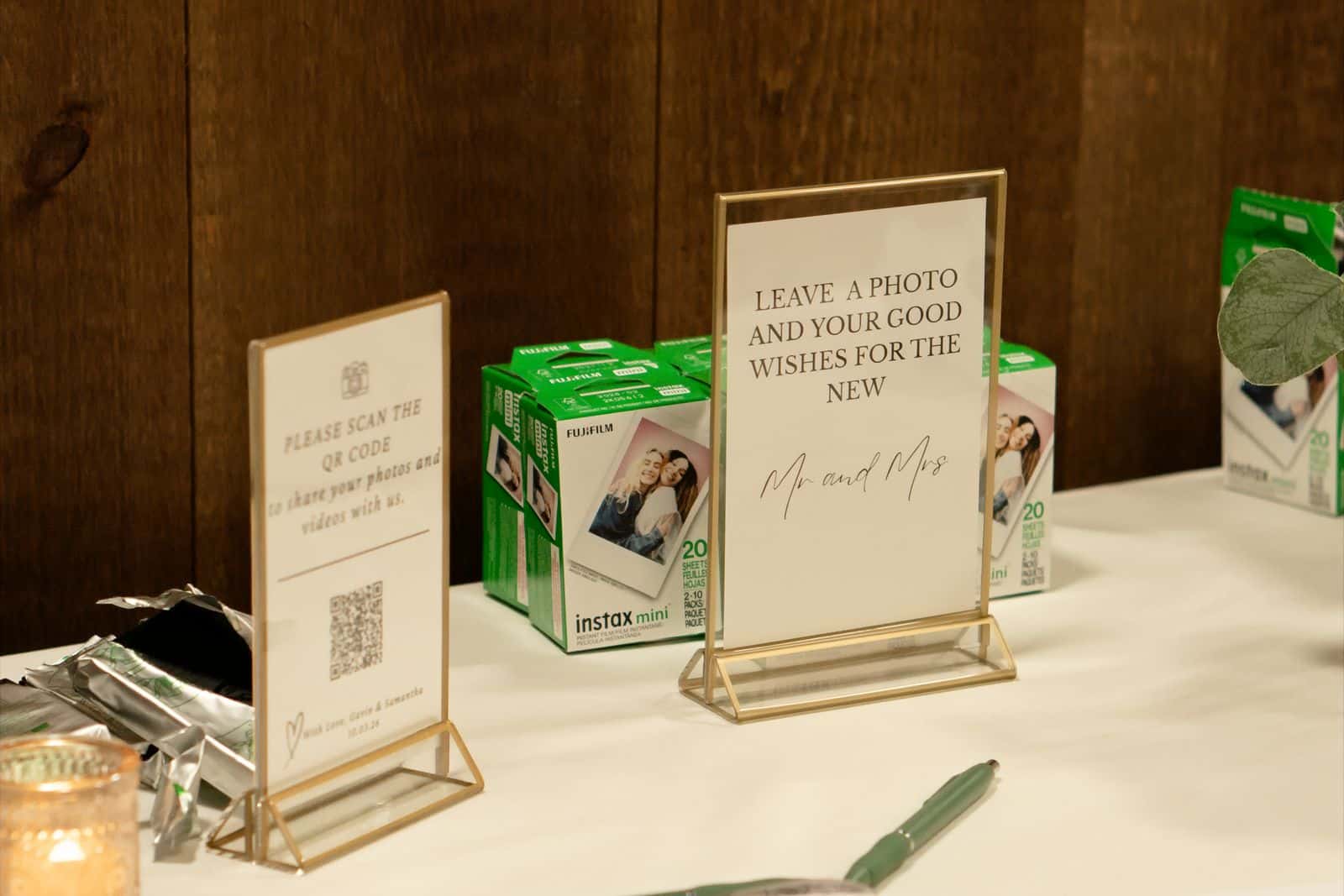
Wedibox is a wedding toolkit built around one QR code: guests upload photos and videos without an app, leave guestbook messages (including audio), RSVP and find their seat. If you want all of that in one place, it is a coherent choice. A Wedibox alternative makes sense when your priority is different: delivering the photographer's photos and helping each guest find the ones they appear in, rather than running the whole guest experience.
What Wedibox includes
From Wedibox's website in October 2026:
- One wedding QR code for photo and video sharing; guests upload without an app.
- Digital guestbook with messages, photos and video, plus an audio guestbook.
- RSVP and guest list with meal tracking and CSV export, and a "find your seat" search.
- Live slideshow of guest photos.
- An embed widget for existing wedding websites (Wix, Squarespace, The Knot, Zola, WithJoy and others).
- Free to start, with a one-time payment to unlock the paid version.
Why couples look elsewhere
- The photographer's gallery is separate. Guests get the candid photos in Wedibox and the professional ones somewhere else, often weeks later.
- Large guest lists. With 250 guests and 2,000 photos, scrolling a shared gallery to find yourself is slow.
- You already have an RSVP and seating tool. Many couples use their wedding website for that and only need the photo part.
- Non-wedding events. Wedibox is wedding-specific; company events, reunions and races need a neutral gallery.
Wedibox vs Event Face Finder
| Wedibox | Event Face Finder | |
|---|---|---|
| Focus | Wedding guest experience: photos, guestbook, RSVP, seating | Photo delivery where each guest finds their photos |
| Guest uploads | Photos and videos, no app | Photos only, browser camera or library, approved by the organizer |
| Guestbook and RSVP | Yes, including audio guestbook | No |
| Live slideshow | Yes | No |
| Photographer's photos | Not the main focus | Imported from browser, ZIP, direct URL or Google Drive |
| Finding your own photos | Browse | Selfie search across the event |
| Event types | Weddings | Weddings, parties, conferences, races, school events |
| Pricing | Free to start, one-time payment | One payment per event by guest and photo capacity |
Wedibox details come from its public pages and may change; check its current offer before deciding.
How to choose
Keep Wedibox if you want one wedding hub for guest photos, video and audio messages, RSVP and seating, and your guest list is small enough that browsing works.
Choose Event Face Finder if the main thing guests will ask for is "the photos of me". You add the photographer's set (directly from Google Drive if that is how it is delivered), optionally let guests add their own photos with approval, and each guest takes a selfie in the browser to see the photos they likely appear in.
Combine them if you love the audio guestbook. Put two clearly labelled QR codes on the cards: "Leave us a voice message" and "Find your photos".
A simple timeline that works
- Two weeks before: create the event, upload a few sample photos, print the QR codes.
- On the day: guests add their photos; you approve them in a few minutes the next morning.
- When the photographer delivers: import the set and send the link again. Guests now find their photos in both the professional and the guest shots.
More options are compared in our wedding photo app guide, and the guest side of the search is explained in how to find the wedding photos you appear in.
Collect guest photos and let everyone find theirs
Guests add photos from their phone browser, you approve them, and everyone finds the pictures they appear in with a selfie. One price per event, no app to install.
Create an event