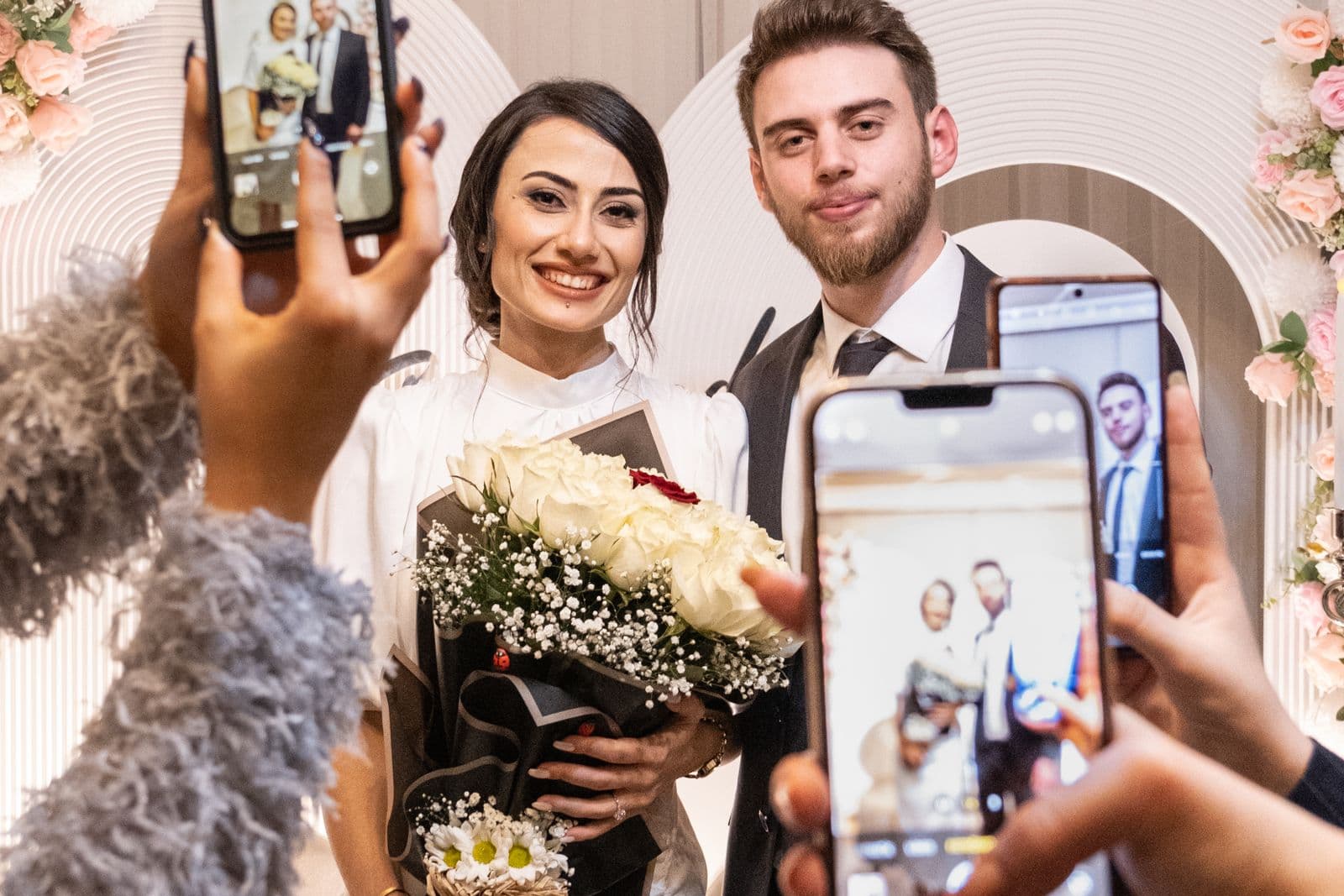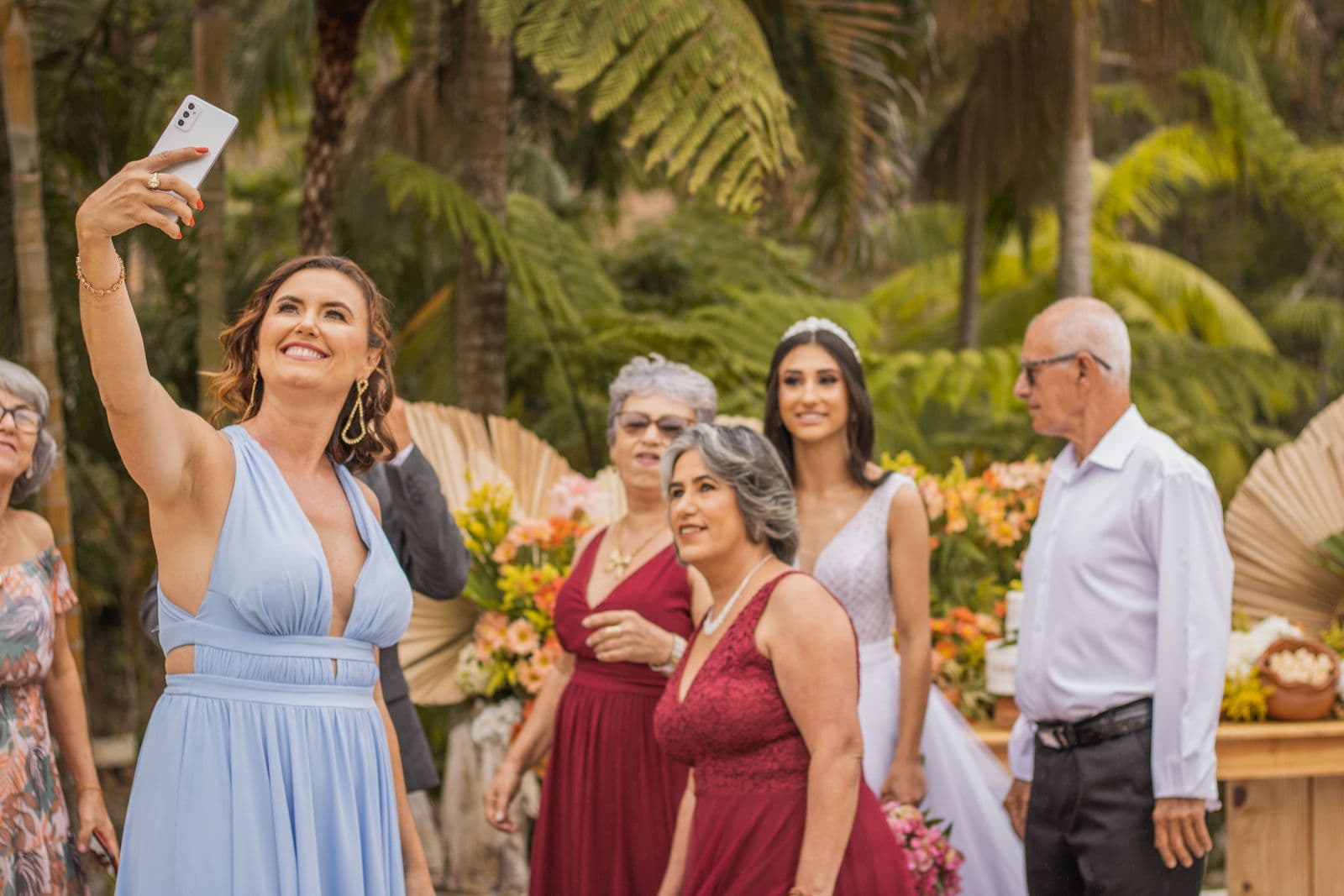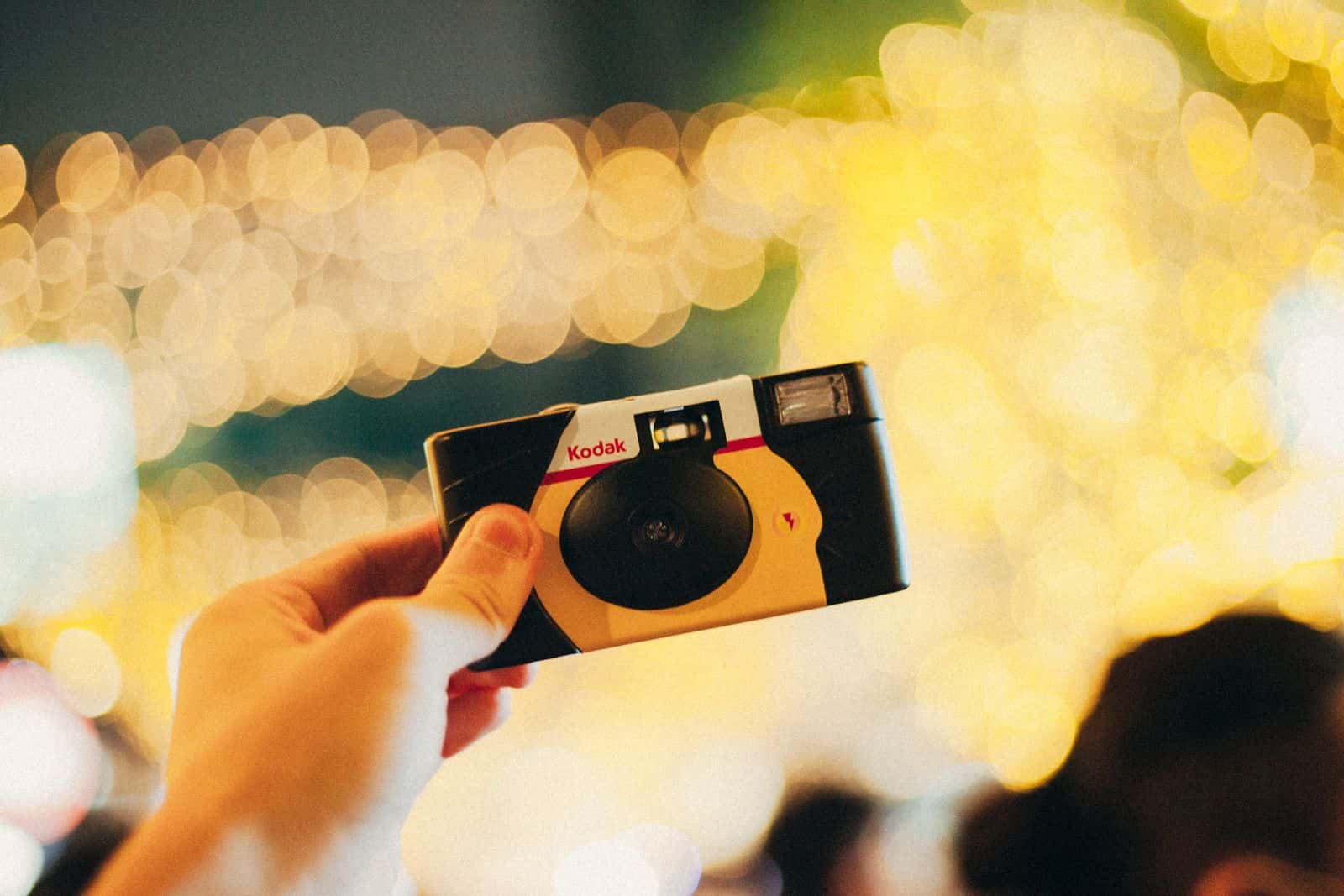
POV recreates the disposable camera on guests' phones: they scan a QR code, get a limited number of shots, and the photos are revealed later. It is fun, and it works well at weddings and parties. People look for POV alternatives when they want guests to use their normal camera roll, need the photographer's photos in the same place, or want each guest to find the photos they appear in afterwards.
What POV does
From POV's website in October 2026:
- Guests scan a QR code once and get a disposable camera on their phone, without downloading an app, through App Clips and Instant Apps. Native iOS and Android apps also exist.
- The host chooses a style, how many photos each person can take and when photos are revealed.
- Each event has its own QR code, with printable templates and an optional wooden "POV Block" that opens the camera.
- A printed photobook can be ordered after the event.
- Pricing depends on the type of event and the number of guests, with a free tier for very small personal events.
Why people look for an alternative
- Guests want to share photos they already took. A disposable-camera flow is built for shooting in the app. Many guests have their best shots in the normal camera roll.
- The photographer's photos live somewhere else. Guests end up with two places to look.
- Large events. At 300 guests and several thousand photos, the question becomes "where are the ones of me?"
- Non-party events. Conferences, races and school events need a straightforward gallery more than a playful camera.
POV and the main alternatives
| Tool | How guests take or add photos | Limited shots | Photographer photos in the same place | Find your own photos |
|---|---|---|---|---|
| POV | In-app disposable camera via QR | Yes | Not its focus | Browse |
| Guestpix | Upload from the camera roll, plus videos and messages | No | Can be added | Browse |
| Kululu | Upload photos and videos, live photo wall | No | Can be added | Browse |
| WedUploader | Upload photos and videos straight to your Google Drive | No | In your Drive | Browse folders |
| Event Face Finder | Browser camera or camera roll, organizer approval | Optional limit per guest | Yes, imported | Selfie search |
Competitor details come from their public websites in October 2026; check current plans before you buy.
Which one fits your event
Keep POV if the disposable-camera game is the point: limited shots, the surprise of the reveal and a photobook afterwards.
Pick an upload tool such as Guestpix or Kululu if you want videos, guestbook messages or a live wall, and guests mostly add photos from their camera roll.
Pick Event Face Finder if you want guests' photos and the professional photos in one gallery where each person finds their own. The organizer can let guests use the browser camera, their camera roll or both, and set a limit per guest, a little like a disposable camera's roll. Photos appear after the organizer approves them. Later, each guest takes a selfie and sees the photos they likely appear in. It handles photos only, not video, and is paid once per event.
Make any guest camera work better
- Put the QR code where people wait: the bar, the photo booth queue, the cloakroom.
- Tell guests what to shoot: "Your table, the dance floor, the speeches."
- Check the venue's mobile signal. Weak signal is the most common reason uploads stall.
- Send the link again the morning after for anyone who took photos with their normal camera.
For a broader comparison, read our guide to the best wedding photo app for guests, and for printing the code, the wedding photo QR code guide.
Collect guest photos and let everyone find theirs
Guests add photos from their phone browser, you approve them, and everyone finds the pictures they appear in with a selfie. One price per event, no app to install.
Create an event