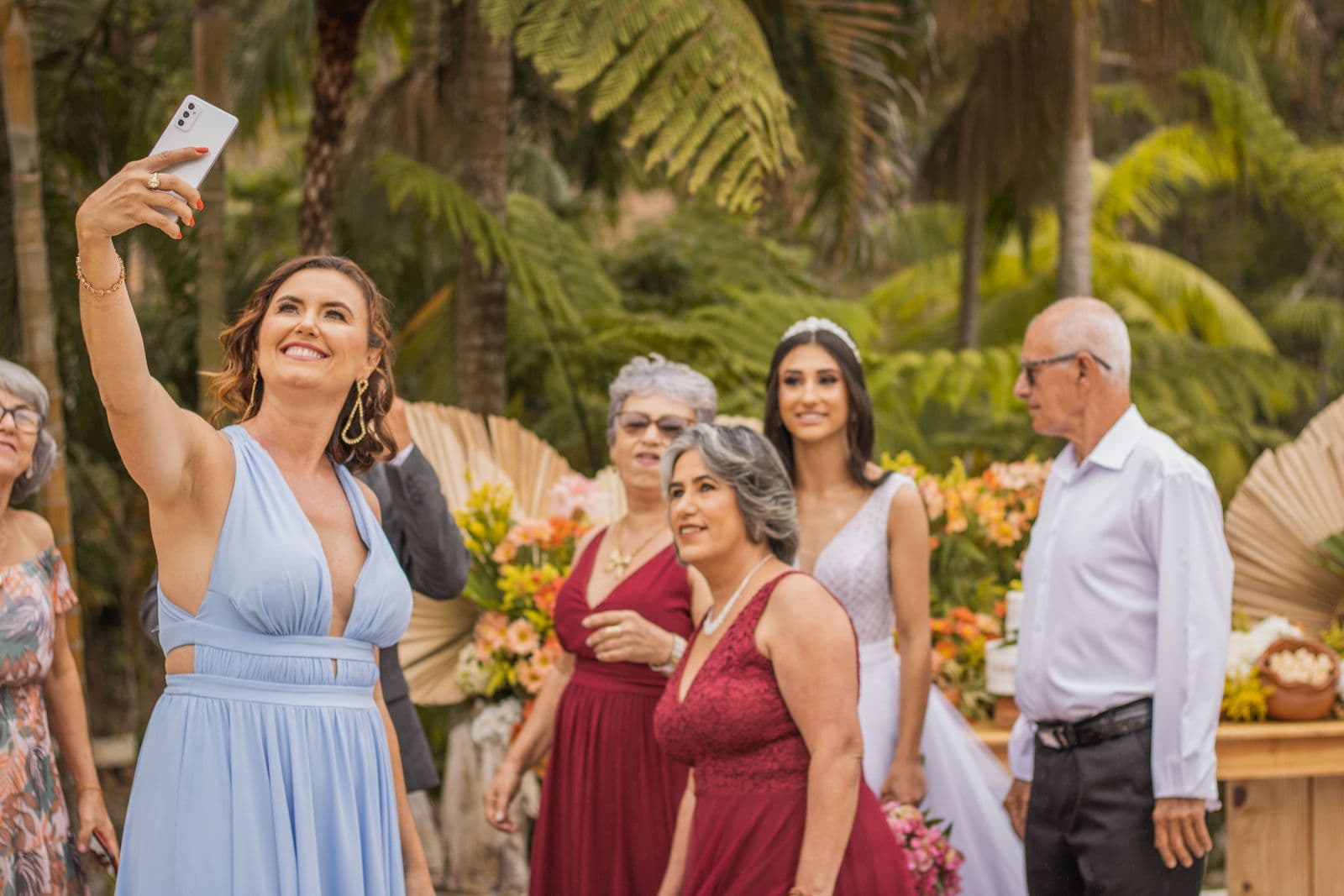
Kululu collects photos and videos from guests into a digital album and shows them on a live photo wall during the event. It is designed for weddings, parties, birthdays and company events where the shared wall is part of the fun. You may want a Kululu alternative if your event needs each attendee to receive their photos, including those from a professional photographer, rather than one shared album everyone scrolls.
What Kululu offers
Based on Kululu's website in October 2026:
- Guests join with a link or QR code, without installing an app.
- Photos and videos go into a digital album, also shown on a live photo wall on a TV or projector.
- Guests can add captions and text posts.
- Plans range from a limited free plan for small events to paid Plus and Pro plans; the site recommends Pro for events of 150+ guests and for public events that need moderation tools.
- A separate offer exists for professionals running events regularly.
When an alternative makes more sense
- Conferences, races and galas. Attendees rarely want the whole album; they want the 5 to 20 photos they appear in.
- A professional photographer covers the event. You want the edited set and guest photos in one gallery, not a wall plus a separate delivery link.
- You need moderation on every plan. Check which Kululu plan includes the moderation tools you need.
- You prefer pricing by event size. Paying once based on guest and photo capacity can be simpler for one-off events.
Kululu vs Event Face Finder
| Kululu | Event Face Finder | |
|---|---|---|
| Main job | Collect guest photos and videos, show them live | Help each guest find their photos; optional guest uploads |
| Guest access | Link or QR code, no app | Link or QR code, in the browser, no app |
| Videos | Yes | No |
| Live photo wall | Yes | No |
| Photographer's photos | Can be uploaded to the album | Import from browser, ZIP, direct URL or Google Drive |
| Finding your own photos | Browse the album | Selfie search across the event |
| Moderation | On the plan that includes it | Every guest photo approved by the organizer |
| Pricing | Free plan plus paid plans | One payment per event by guest and photo capacity |
Kululu information comes from its public pages and may change; check current plans before choosing.
Choose by the moment that matters
During the event: if a live wall on a screen is the highlight, Kululu (or a similar wall tool) is the right fit.
After the event: if the moment that matters is the next day, when 400 attendees open the link to get their photos, choose a gallery with personal search. With Event Face Finder, the organizer imports the photographer's photos, can let guests add theirs with approval, and every attendee takes a selfie in the browser to see the photos they likely appear in.
Both: use a wall tool during the evening and send the gallery link afterwards. Label them differently so guests do not confuse them.
For company events and conferences
Corporate organizers usually also need:
- an access code or a link shared only with attendees;
- control over downloads, for example previews only for some photos;
- a clear end date for the gallery;
- one place for sponsors and the press to get approved photos.
Our guide to sharing corporate event photos with employees covers this workflow, and the event photo sharing app comparison lists the other families of tools.
Collect guest photos and let everyone find theirs
Guests add photos from their phone browser, you approve them, and everyone finds the pictures they appear in with a selfie. One price per event, no app to install.
Create an event