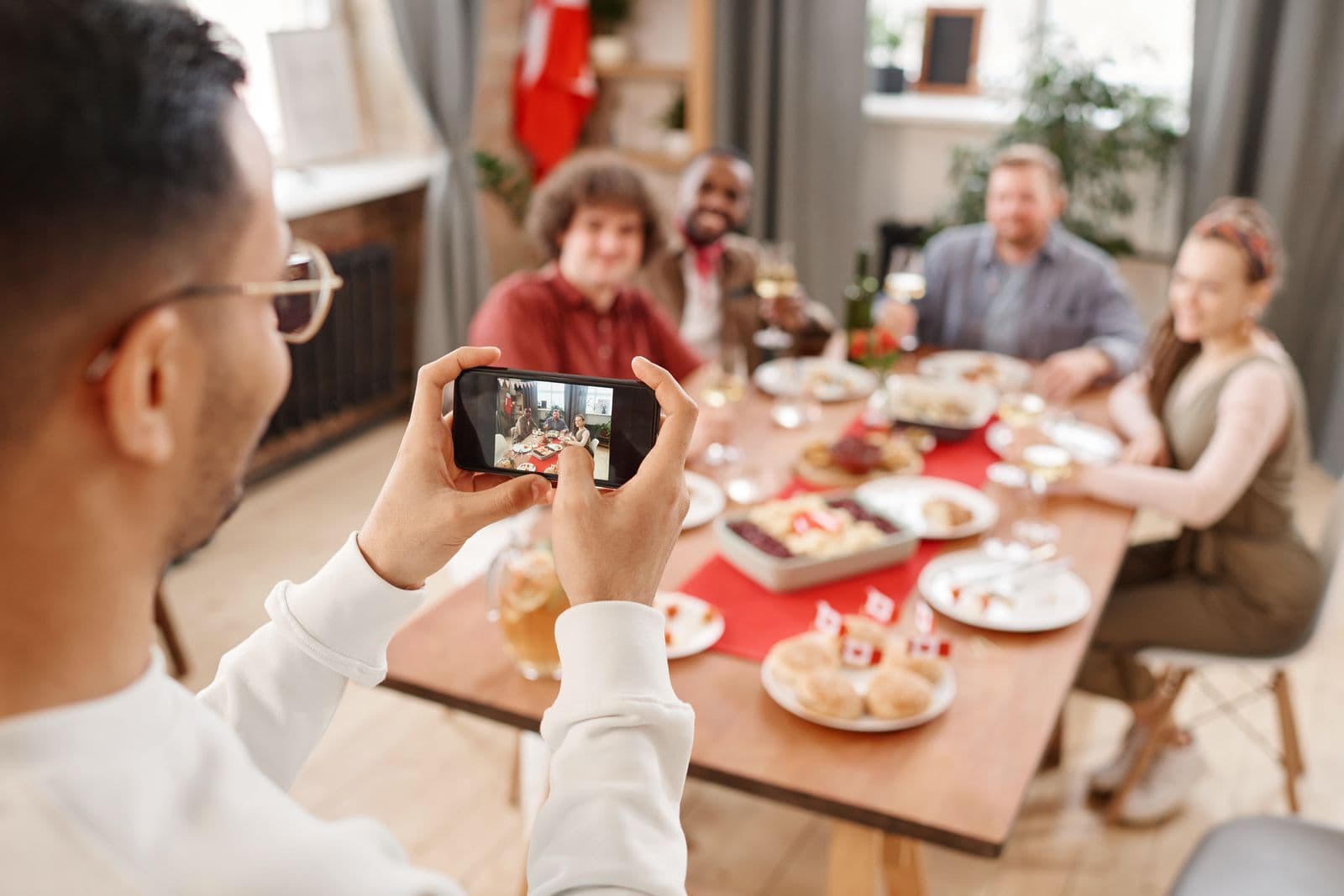
For a class reunion, share the new event photos separately from old school albums. Former classmates may have changed names, appearances and contact channels. A clear event link and a simple retrieval method are more useful than asking one volunteer to email a personalised selection to everyone.
Keep archives and current photos distinct
Old yearbook scans and reunion photos serve different purposes. Label the archive separately and explain what the new gallery contains: reception, dinner, group portraits or the photo booth.
A current selfie is not a reliable way to identify someone in an old class photograph. Do not promise that the delivery service can reconnect classmates or search historical school records. Event Face Finder searches photos uploaded to the opened event.
Prepare a route that does not depend on names
For a small reunion, a shared album can be enough. With a larger edited collection, personal search can reduce browsing. In Event Face Finder, guests open the event link in a browser and use a selfie to look for likely matches. They review the candidates themselves.
Keep a support contact for group photos with small faces or frames where a person is turned away. Ask for table, approximate time, outfit or people standing nearby rather than requiring a former surname.
Collect guest photos through a separate link
If classmates also photographed the evening, use a contribution destination that supports uploads. Event Face Finder's guest search page is not a guest upload inbox. An organizer can later select suitable contributions and add them to the event.
The guest photo collection guide explains how to keep upload instructions separate from finished-gallery access. For booth photos, ask the vendor for the actual digital files.
Send a message people can recognise
Photos from [school/class] reunion on [date] are ready: [link]. This gallery contains this year's event photos. Follow [access steps] and contact [organizer] if a picture is missing.
Replace the placeholders and send through the reunion's established channel. Include a typed link alongside any QR code for people opening the message on the same phone.
Test with someone outside the organizing team before sending. The sharing checklist helps check access and downloads without assuming every classmate uses the same device.
Set up the gallery before you share it
Add your photos, choose what guests can download and open the gallery on your phone before sending the link.
Create an event